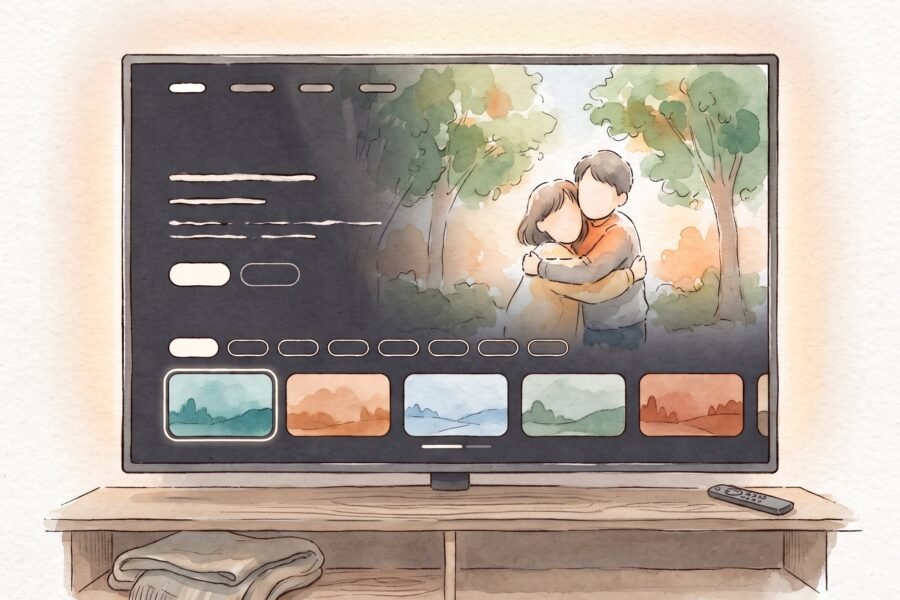
Every feature image on this blog is drawn in the same style: fine ink lines, soft watercolor washes, warm colors and a calm, editorial feel. I love that look, but getting AI image tools to hit it every single time meant pasting the same long description again and again, and still getting results that drifted away from it.
So I built my own studio for it. I called it Lumio.
My style, one click away
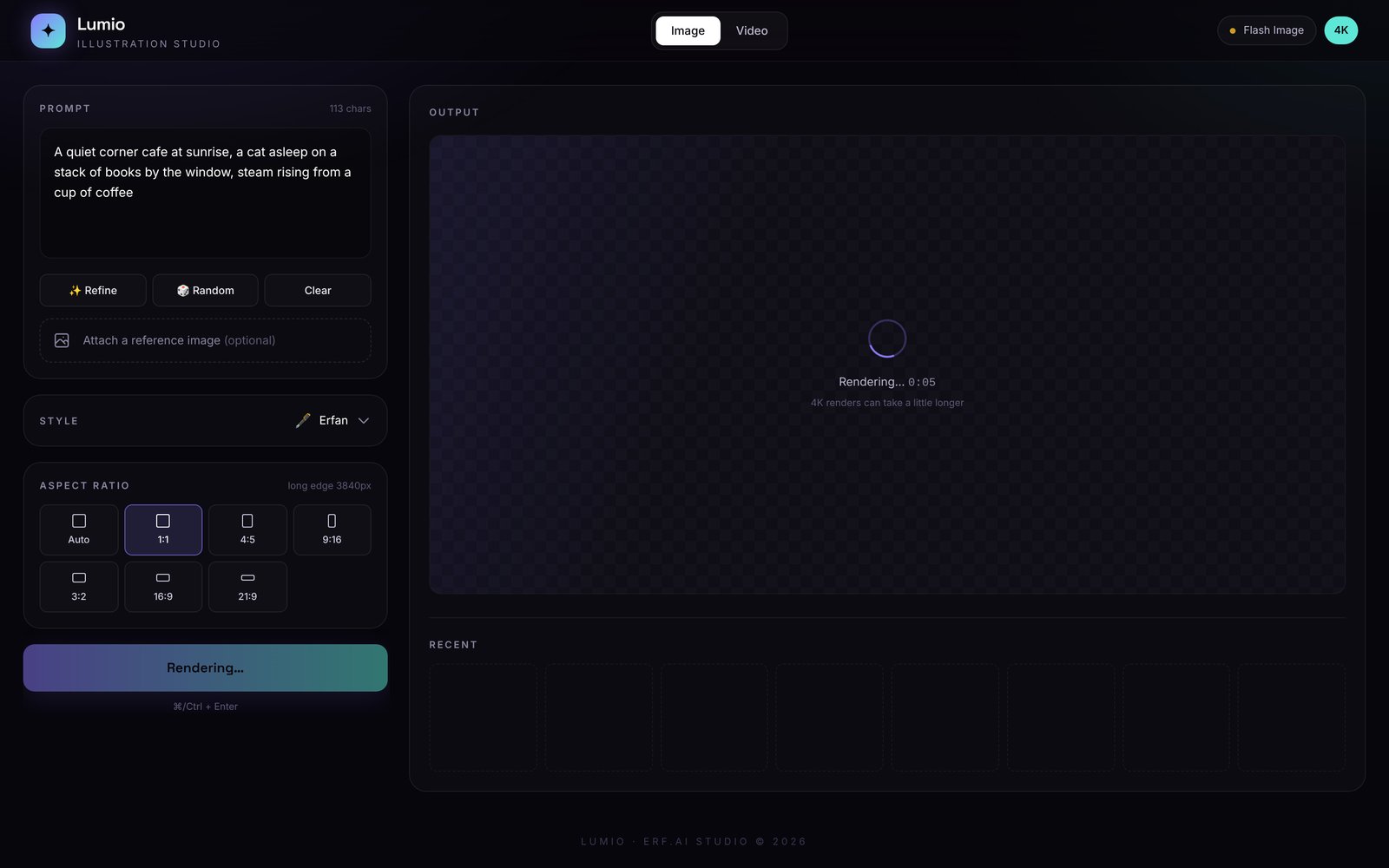
The heart of Lumio is a style preset called Erfan. It holds my whole visual language in one place: the linework, the watercolor texture, the color palette, how the subject sits in the frame, and a long list of things to avoid, like a plastic AI look or text on the image. I type the idea, pick the style, and every image comes out looking like it belongs on erfesh.com.
There are 15 more presets for when I want something different, from comic and sketch to low poly and vintage poster.
4K, and honest about it
Lumio asks for 4K from the start. If the model sends back something smaller, Lumio scales it up so the long edge is 3840 pixels, and it tells me which one happened with a small badge: native 4K, or upscaled from the original size. I like tools that are honest about what they did.
It also has seven aspect ratios, so the same idea can become a square post, a 4:5 feed image, a 9:16 story or a wide 21:9 banner.
Little helpers for the prompt
Refine turns a rough idea into one detailed paragraph about the subject, setting, composition and light. Random gives me a starting idea when I am stuck. And I can attach a reference image and have Lumio redraw it in the style I pick.
Then I added video
Once the images worked the way I wanted, I wanted them to move. In video mode I describe the scene and the camera move, pick 16:9 or 9:16, choose 720p, 1080p or 4K, and decide on the sound: automatic, ambient sound only, or soft music. Clips run up to about ten seconds.
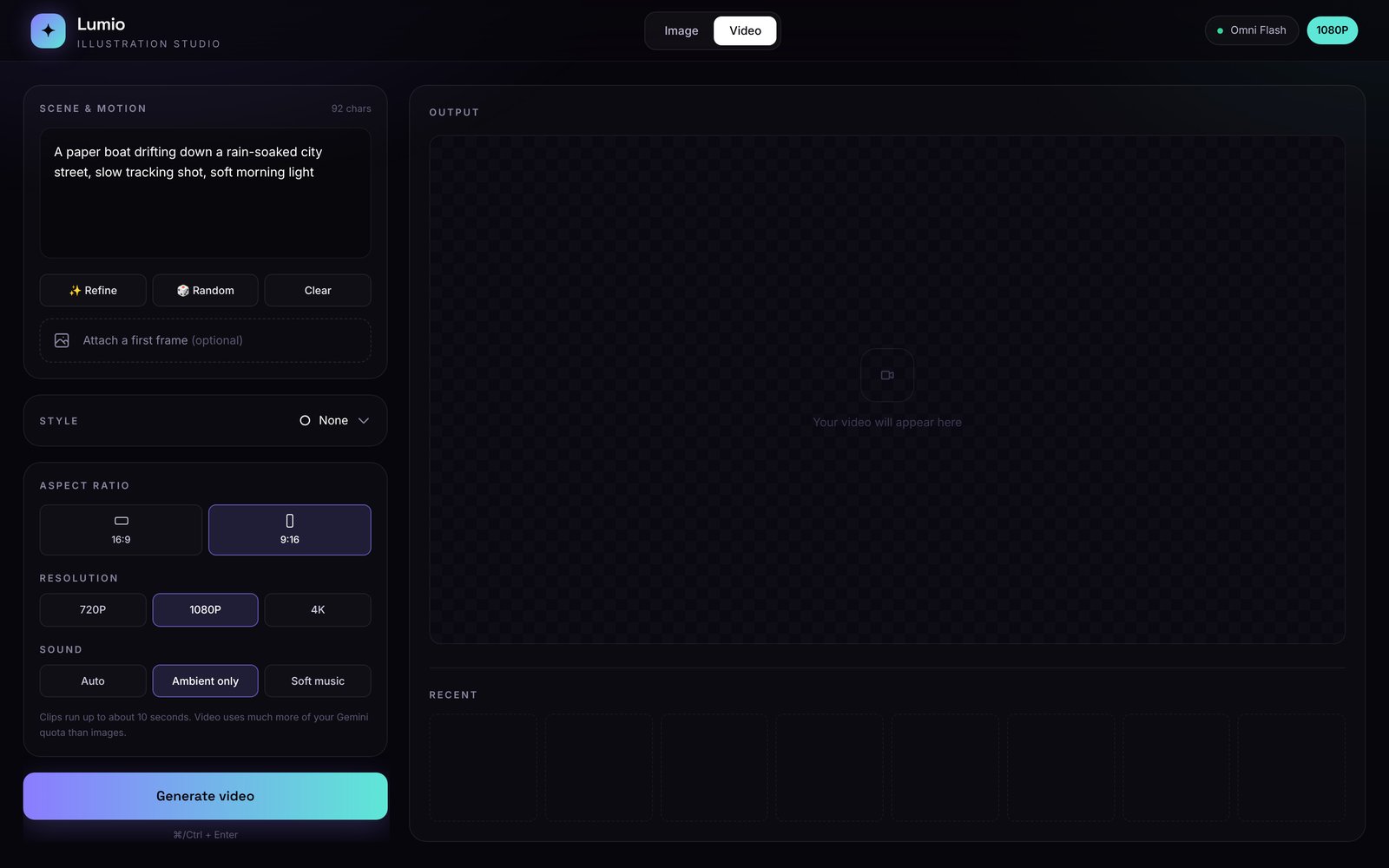
My favorite part is the Animate button. When I like an illustration, one click sets it as the first frame of a video, so the still image comes to life without leaving the app.
Made for real use
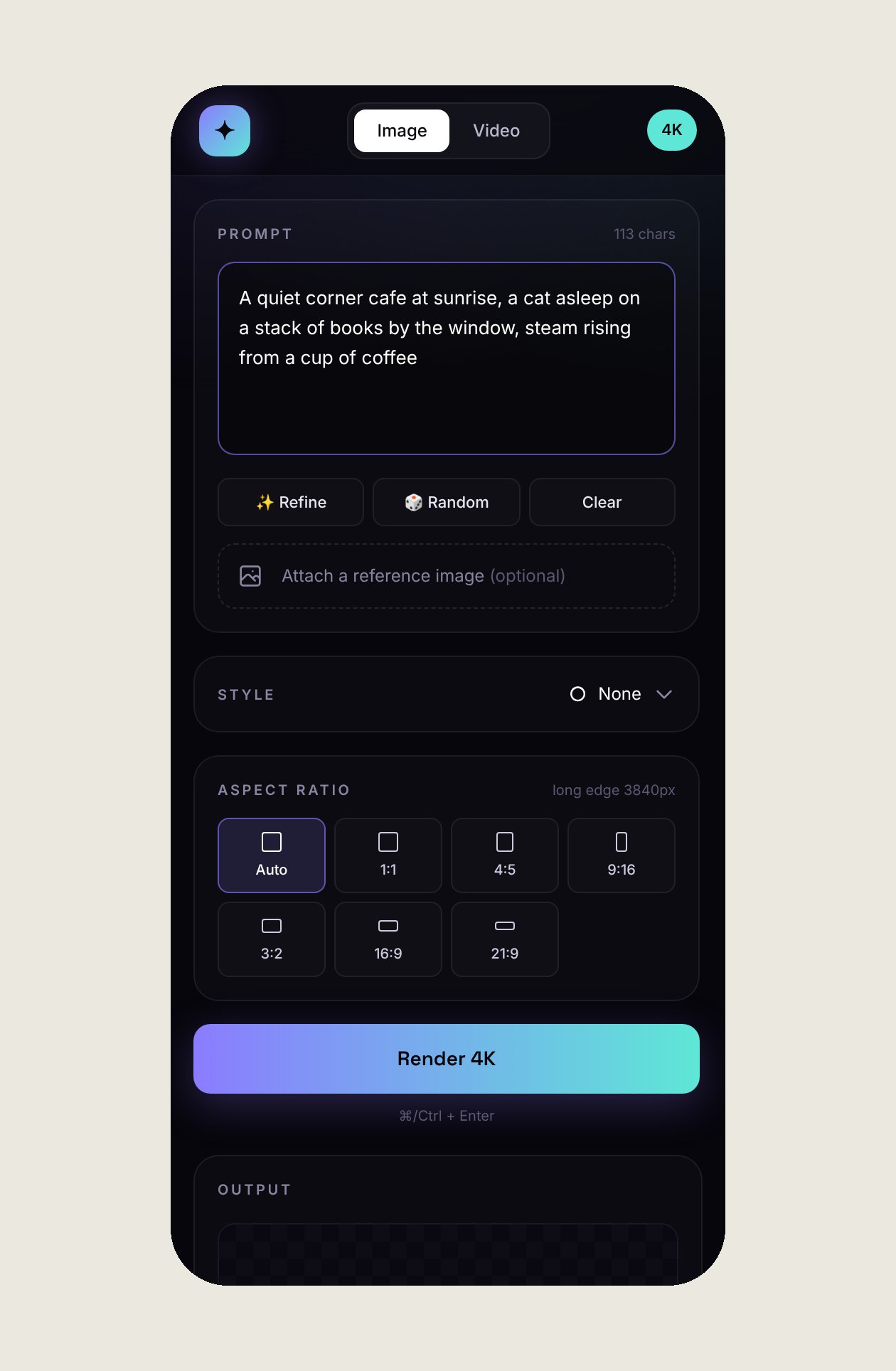
Downloads are named after the prompt, the style and the size, so my folders stay organized. The last eight creations stay in a Recent strip, and Cmd or Ctrl plus Enter starts a render from the keyboard. The layout works on my phone too.
Lumio is a single file that runs inside Gemini Canvas, so it uses Gemini’s built in AI and I do not need to manage any API keys.
Why I am keeping this one
I share a lot of what I build, but Lumio stays private for now. The style is the whole point of it, and it took a lot of rounds to get it right. Maybe one day I will open it up. Until then, every feature image you see here is the best demo I can give.